BlogBacktest
Trading simulator on real history: practise without risk
What a trading simulator is and why market replay beats a demo account: 100 trades in 10 evenings instead of 50 days, and where paper trading flatters you.

Contents
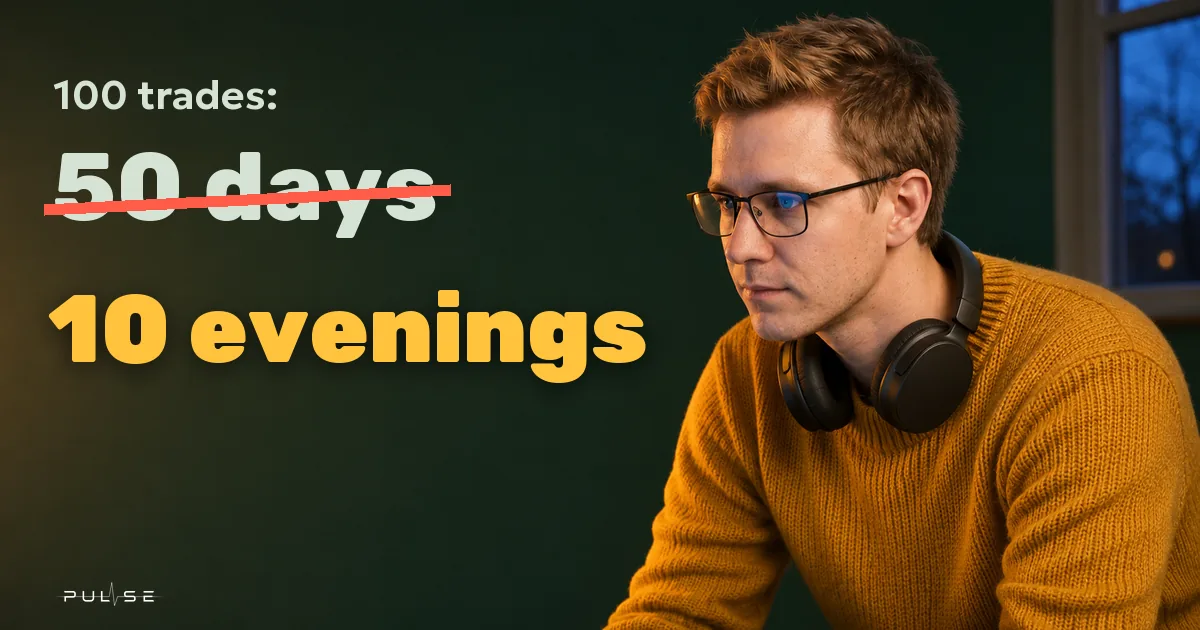
The easiest way to practise without risk is a trading simulator on real history: dead hours skip by, the future stays hidden, and trades go to a paper account with commission and spread. That way a hundred trades of your own system take 10 evenings, while live, with two setups a day, they take 50 trading days.
A demo account is too slow for that, and a game on a made-up chart mostly teaches you to guess made-up charts. A simulator on real history uses the actual market and compresses time: you make your calls on the same bars traders saw that day, and every time you find out how your decision played out.
What is a trading simulator, and what kinds are there
A trading simulator is software where your trades go to a paper account instead of a broker. Three quite different things go by that name:
- a game on a made-up or simplified chart: it teaches the buttons, not the market;
- a demo account at a broker or exchange: the real market in real time;
- market replay on history: the real market from the past, with time compressed and the future hidden until the cursor reaches it.
The rest of this article is about the third kind, the only one that gives you both a real market and a fast pace.
History simulator or demo account
Decisions and discipline are faster to train on a history simulator, and a demo account belongs at the end, to check how orders fill at your broker.
| Demo account | History simulator | |
|---|---|---|
| Market | real, right now | real, from the past |
| Time | live: an hour of trading is an hour of your life | dead hours skip by, the ones that matter go bar by bar |
| Setups per evening | whatever the market gives you | as many as you can find in history |
| Replay | impossible | the same day can be run again |
| What it trains | execution at your broker | decisions and discipline |
As a way to learn to read charts, a demo is slow: the market runs in real time, and a good setup can take hours to show up. And if a simulator app has no commission or spread, don't trust its results: without costs, systems that lose money on a real account show a profit.
How many simulator trades you need
Aim for a hundred trades of one system: thirty tell you almost nothing, and a hundred tell you something, though less than you'd hope. If 40 out of 100 trades win, the true win rate lies roughly between 30% and 50% with 95% confidence (our calculation with the Wilson method; the formula is in the NIST statistics handbook). With an average win of 2R and an average loss of 1R, that's anywhere from −0.1R to +0.5R per trade, which covers everything from a losing system to one with a healthy margin.
Getting to a hundred live takes a while. A rough calculation for a trader whose setup shows up twice a day:
- Setups per day, live
- 2
- Live
- 50 trading days
- Setups per evening, on history
- 10
- On history
- 10 evenings
Ten setups in an evening is one week of five-minute history, with pauses to make each decision. How long a run takes at different speeds is worked out in the article on manual backtesting.
What to practise
Practise the things that carry over to a live account:
- deciding without seeing the future: enter, skip, or wait one more bar;
- placing the stop before the entry, where the idea stops working, and sizing from risk rather than from hope;
- following the plan: every trade gets marked as on plan or not;
- what you do after two or three stops in a row; where to stop is covered in the article on a daily loss limit.
How to structure a session
Practice only gives you conclusions if the conditions stay the same from one evening to the next:
- One ticker, one timeframe, one trading session. Recurring patterns show up faster when the market is the only thing that changes.
- A random place in history. If you remember where price went last March, last March is no good for practice.
- Risk in R. Every trade risks the same amount, and results are counted in multiples of that risk.
- A note on every trade: what you saw and what you expected. Two lines are enough.
- A weekly review: how many trades followed the plan, and what the rest cost you.
Where a simulator flatters you compared with a live account
A paper account always looks a little better than a live one. It helps to know exactly where.
- On history, a limit order fills as soon as price reaches its level. Live, there's a queue ahead of you, and an order that only gets touched may never fill.
- A stop inside a move fills exactly at its price. It only gets worse on a gap, when a bar opens beyond the level.
- There is no historical order book, so you can't practise reading the order book on history.
- Paper money doesn't hurt to lose. Live results are almost always worse, and the two are best compared side by side in one journal.
No simulator can tell you whether you'll make money. What it shows is whether you follow your own rules when nobody's watching, and what each broken rule costs.
The simulator in Pulse Terminal: Backtest
Pulse Terminal is a trading terminal for Windows, and its simulator is called the Backtest. It's a walk through history with a paper account inside the terminal, and its orders never reach a broker or an exchange: the trading module shows a BT tag the whole time, and the footer shows a BACKTEST label.
- Start. Right-click the chart and pick "Backtest from here", or use the "Starting point" menu. For practice, "Random bar" works well: a random minute of the ticker's history, no more than two years back.
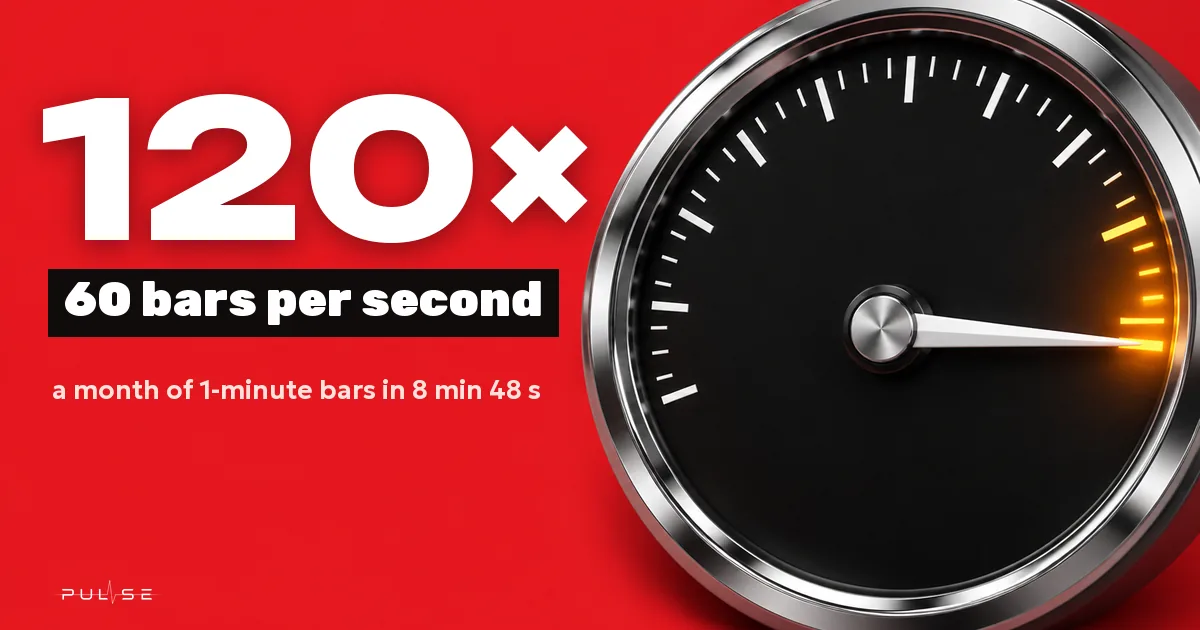
- Pace. Step one bar at a time, use "Step inside the bar" to move by one-minute bars, or play at speeds from 1× (one bar every two seconds) to 120×, plus "max" for dead hours.
- Trading. The same BUY and SELL buttons and the same stop and target lines as on a live chart. Risk limits apply too: with a losses-in-a-row limit in "block" mode, the Backtest won't let you into a trade after a losing streak, just like a live account.
- Costs. Commission, spread and swap are set in "Backtest settings". A blank commission field means your broker's or exchange's own commission.
- News. The "News" panel follows the history cursor, and results to the right of the cursor stay hidden. The "news →" button moves the cursor to the next news event and pauses. The calendar comes from your MetaTrader 5 broker.
- No going back. A step back resets the account, because trading the past while knowing the future isn't practice. Before the first reset the terminal offers "Save to journal and rewind".
On exit, a run saves itself to the journal if it lasted at least 10 minutes and has at least two trades. It sits there as a separate source next to your live accounts, which makes paper and live results easy to compare.
The Backtest has no past order book: the DOM follows historical prices without size, with no liquidations, icebergs or heatmap. Volume by price inside each candle is still there on the Footprint chart type, if the trades were downloaded in advance.
Practising with a mentor
The person teaching runs a stretch of history first and exports the run as a file: the "Export" button on the journal's "Sources" tab. The file holds the window, the trades and the numbers, with no account number or keys. The student clicks "Load a shared backtest" and then "Run this window", which takes the ticker, timeframe, start date, deposit and commission from the author.
From there the student trades the same stretch blind. The other person's trades stay hidden until the student's own Backtest reaches the end of the window, and only then can the two be compared. The "Show their trades" button reveals them early, but that defeats the purpose.
FAQ
Can you learn to trade on a simulator?
You can learn decisions and discipline: entering on plan, placing the stop before the entry, stopping after a losing streak. A simulator won't show you how orders fill at your broker or how you feel with real money at stake, so the last step before a live account is a demo or the smallest size.
Simulator or demo account: which is better for a beginner?
Start with a simulator on history: in one evening it gives you as many setups as a demo account gives in a week. Move to a demo afterwards, to check how orders fill at your broker in real time.
Online simulator or desktop program?
An online simulator is quicker to start, but later you'll trade in a different program, with a different chart and different buttons. A simulator inside your terminal trains you on the same buttons you'll use live. The Backtest in Pulse is part of a Windows terminal: the same BUY and SELL, stop lines and risk limits as on a live account. What else to check in a program is listed in the article on choosing a trading platform.
How long should you practise before going live?
A hundred trades of one system, with risk in R and a note on each, is a reasonable bar. Fewer than thirty tell you almost nothing. And even after a hundred, the paper result will look a little better than a live one.
The numbers in this article are worked examples, not trading advice. Trading on financial markets carries a risk of losing money.